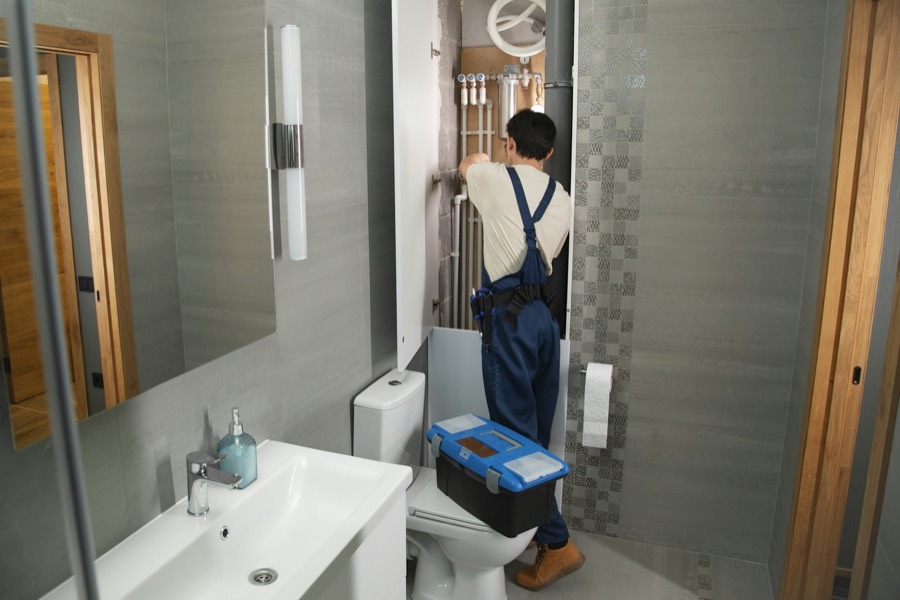
Plumbing
Drain cleaning, water heaters, leak repair and fixture installs
If your jobs live on a whiteboard, your timesheets come back on scraps of paper and invoices go out a week late, Task Tracker puts all of it in one place. The office plans the work, the crew's phones log what happened on site, and the invoice is ready when the job is done.
You can set up your business and try it without a credit card.
When you sign up you pick your trade, and your lists are filled in from the start. A plumber sees drain cleaning and water heaters, a cleaner sees deep cleans and move-outs. You can rename, add or remove anything later.
Drain cleaning, water heaters, leak repair and fixture installs
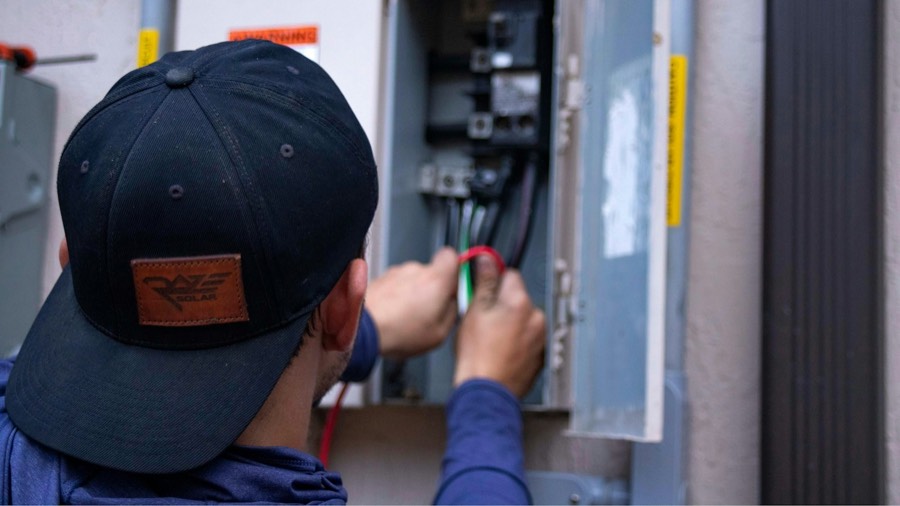
Panel upgrades, wiring, lighting and inspections

Mowing, aeration, planting and snow removal

Regular cleans, deep cleans, move-outs and windows

Renovations, new builds, framing and finishing
HVAC starts with furnace service, AC service and duct cleaning. Painting starts with interior, exterior and drywall repair. If your trade isn't listed, you start with general service, repair and install jobs and build your own.
This is one furnace service call, followed through a morning. Each step is something Task Tracker does today.

Lisa drags Tuesday's jobs onto the schedule. Dave and Priya get them on their phones straight away, along with each address, the gate code and the work to be done.
Dave parks at 214 Front Street and his phone checks him in to the job, so his time starts counting without him touching anything.
The basement has no cell signal. Dave writes up the worn filters and takes photos anyway, and the phone holds on to them until it can send.
Back at the truck, the notes and photos upload on their own. When Dave drives off, the phone checks him out of the job.
Lisa turns the finished job into an invoice with one click. The parts from the quote and Dave's 2 hours 42 minutes on site are already on it.
The customer opens the invoice email and pays by card.
The payment is recorded against the invoice and synced to QuickBooks Online, so the bookkeeper has nothing to enter.
Styled like the app's work order screen. The steps are written out for this page.
Below is what the bigger apps publish for a 10-person team, on their cheapest plan that syncs with QuickBooks and paid yearly. Hiring your next apprentice makes each of these bills bigger.
You'll pay one monthly price for your team size, in Canadian dollars, and adding a person won't change it until you move up a size. We're setting the final prices now and will publish them here before launch.
Competitor prices are from their public pricing pages, checked November 8, 2026. See the full comparison and sources.
You won't have to upgrade to connect your books or take payments online. The crew map, recurring jobs and reports are included as well.
Jobber and Housecall Pro leave QuickBooks sync off their cheapest plans.
Basements, crawl spaces and rural jobs don't stop the crew from logging their work. Notes, photos and hours are saved on the phone and sent once it reconnects.
Of the four apps we compared, only ServiceBox advertises an offline mode.
The phone checks each person in when they reach a job site and out when they leave. Those hours are recorded against the job, ready for the customer's invoice and the office's time records.
Location is only shared while someone is on shift.
Sign up, pick your trade and add your first job the same evening. If you get stuck, the help button in the app goes to our team.
ServiceTitan and ServiceBox both ask you to book a demo first.

Most technicians only ever open today's jobs, add a photo and write a note, so that's what the phone app puts in front of them. The office screens use the same plain wording.
Task Tracker is built here and priced in Canadian dollars, so the exchange rate won't change your bill. You can set up GST, HST or PST and they go on your quotes and invoices.
We're newer than the apps we've compared ourselves to, and a few things they offer aren't built yet.
You don't. You can sign up, pick your trade and start adding jobs on your own. If you'd like help, the help button in the app reaches our team.
We're setting final prices now. It will be one monthly price for your crew size, in Canadian dollars, with every feature on every plan. We'll publish it on this site before launch.
No. You can set up your business and use it first, and you'd only add a card when you choose a plan.
They're who we designed the phone app for. It opens on today's jobs, the buttons are large and the wording is plain. It checks them in and out of job sites by itself, so most days they'll only add photos and notes.
Yes. Customers, invoices and payments go to QuickBooks Online for you, and customer and payment changes made in QuickBooks come back. It's included on every plan.
They carry on working. The phone saves everything and sends it when it reconnects, and if anything clashes with a change the office made, it goes on a short list for someone to check.
It won't. The phone only shares its location during a shift, while someone is on the clock, and stops when the shift ends.
Sign up, choose your trade and put your next week of jobs on the schedule. You won't need a credit card to start.